Images
Images is the Workspace's picture catalog: uploads, pictures you paste, pictures Mesh generates or edits, and the Board pictures you choose to keep.
Where pictures come from
Pictures arrive from more places than the upload button:
- Add image uploads a picture, one at a time, up to 10 MB, and names the file while it is uploading.
- A picture pasted into chat is saved here too.
- Paste a picture straight onto the Board; it's saved here and pinned right where you pasted it.
- A Board view or snip, a capture Mesh takes, or an answer you submit on the Board stays with its chat or Quiz Attempt; the switches below choose whether those also save here.
- Pictures Mesh generates when you ask for one: square, wide, or tall.
- Pictures Mesh edits on request: the edit saves as a new Image, and the original stays as it was.
Choose which Board pictures save here
Open Image settings in the Images list and use Save to Images automatically. Uploads, pasted pictures, Board pastes, and generated Images always save; these three switches control the extra Board pictures:
- Board pictures you send for Board views and snips attached to your messages.
- Board captures Mesh takes while it looks at your Board.
- Board answers submitted through Answer on Board or a Quiz Attempt.
All three start off. A Board picture still stays with the conversation or Quiz Attempt that used it; choose Save to Images beside it anytime if you want it in this catalog too.
Manage a saved Image
Select a picture and it opens beside the list. Board answers and Board pictures used in chat also show View in chat, jumping back to the exact message. You can also just ask: Mesh renames a picture, files it under a Topic, and looks at one when your question is about what's in the picture.
Images
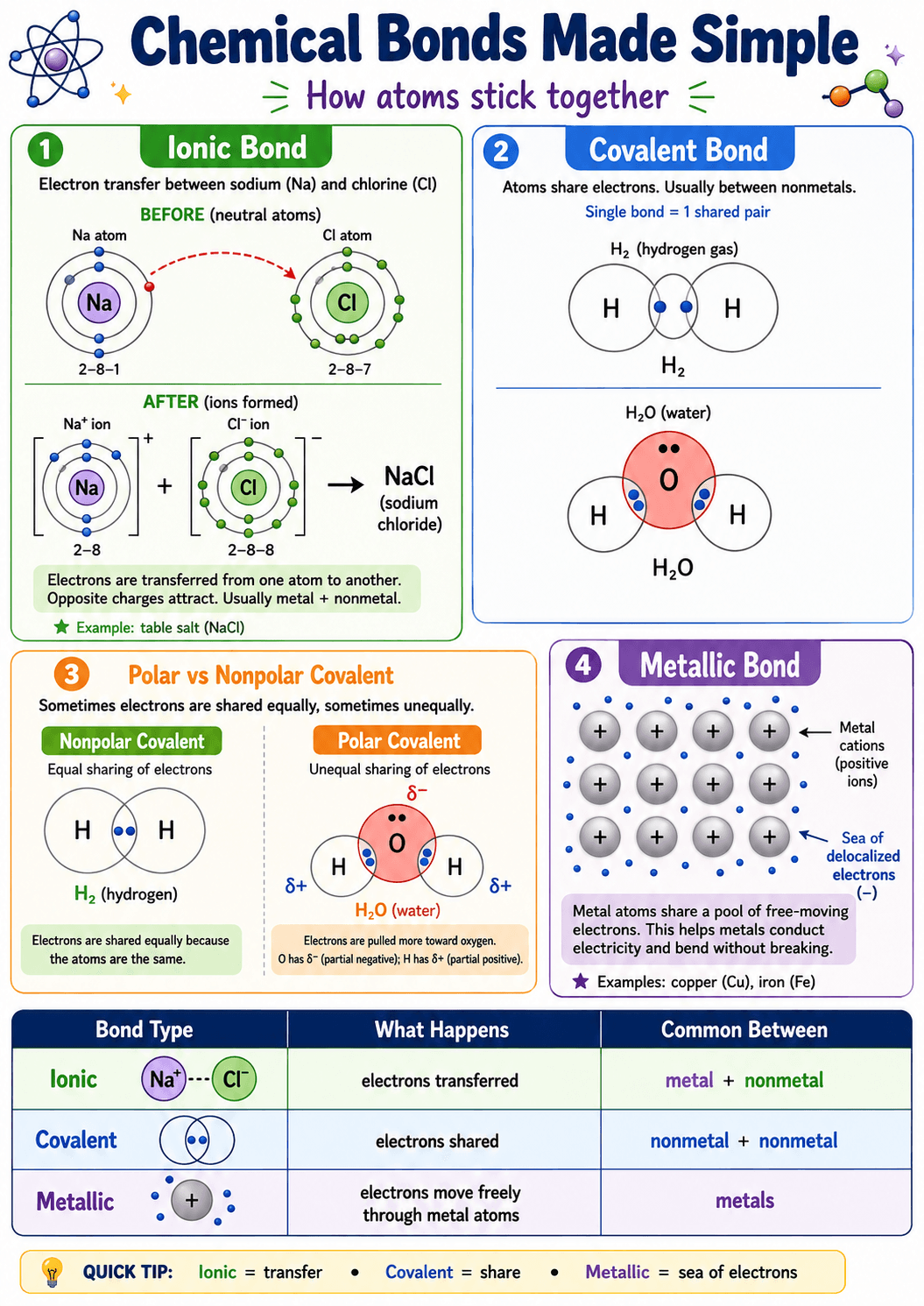
Chemical bonds, made simple
- Download the original, or Remove from Images — its Board and Topic placements go with it, while Quiz Attempt evidence stays with the Attempt.
- Manage its In topics, or pin it to the current Board page.
- Point Mesh at it with an Image Reference; choose that Reference in chat or in a Note and its card shows the picture itself.
- Mesh can't delete Images. That stays in your hands.