Videos
Videos holds your saved YouTube links. Each one keeps its title and link, plays right in the panel or pinned on the Board, and remembers where you stopped watching.
More for you than for Mesh
Mesh can see the title, the link, and where you left off, and that's it. It can't watch, listen to, or transcribe the video, and it won't guess at the contents. When you want Mesh's help with a video, give it the material another way: paste YouTube's own transcript into Library, or hand Mesh a Note of your takeaways or a relevant Image.
Add a YouTube video
Choose Add video, give it a title, paste the YouTube link, check the preview, then choose Save Video. Any link to a single video works; playlists don't.
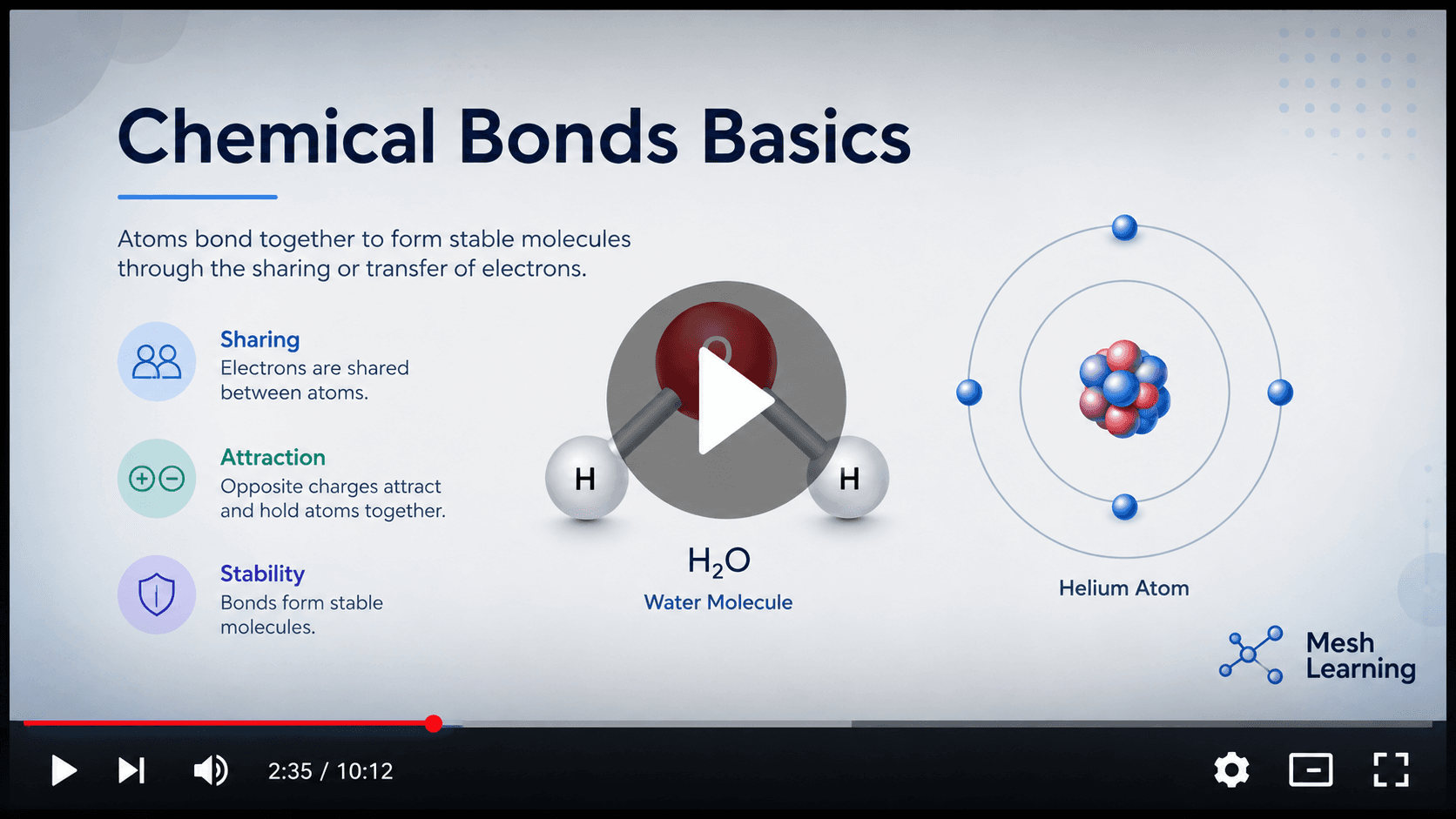
Play and pick up where you left off
The Video you select plays right in the panel, and each copy you pin on the Board plays where it sits. Every player keeps its own last spot, so the panel and each pinned copy can be at different times in the same video. A new pin starts where the panel left off, and keeps its own place from then on.
Manage a saved Video
The rows hold the usual actions. Three things are Video-specific:
- Deleting a Video can't be undone.
- Manage its In topics, or pin the player to the Board.
- Link opens the address menu with Copy link and Open on YouTube together.
Ask Mesh instead and it finds a Video for you, renames it, or files it under a Topic.